


Page 38 - DAX-Formula-Reference-Guide-Enterprise-DNA_Neat
P. 38
DAX Formulas Reference Guide  |  Information Functions (DAX)


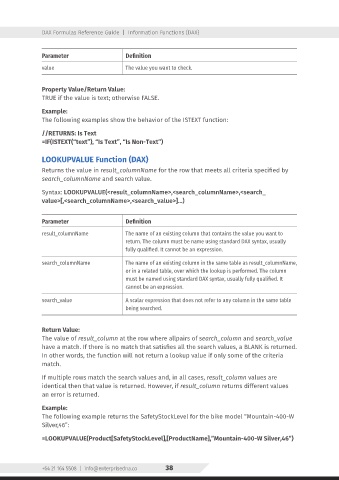
                Parameter                    Definition
                value                        The value you want to check.


                Property Value/Return Value:
                TRUE if the value is text; otherwise FALSE.


                Example:
                The following examples show the behavior of the ISTEXT function:


                //RETURNS: Is Text
                =IF(ISTEXT(“text”), “Is Text”, “Is Non-Text”)


                LOOKUPVALUE Function (DAX)
                Returns the value in result_columnName for the row that meets all criteria specified by
                search_columnName and search value.


                Syntax: LOOKUPVALUE(<result_columnName>,<search_columnName>,<search_
                value>[,<search_columnName>,<search_value>]…)


                Parameter                    Definition
                result_columnName            The name of an existing column that contains the value you want to
                                             return. The column must be name using standard DAX syntax, usually
                                             fully qualified. It cannot be an expression.

                search_columnName            The name of an existing column in the same table as result_columnName,
                                             or in a related table, over which the lookup is performed. The column
                                             must be named using standard DAX syntax, usually fully qualified. It
                                             cannot be an expression.

                search_value                 A scalar expression that does not refer to any column in the same table
                                             being searched.


                Return Value:
                The value of result_column at the row where allpairs of search_column and search_value
                have a match. If there is no match that satisfies all the search values, a BLANK is returned.
                In other words, the function will not return a lookup value if only some of the criteria
                match.

                If multiple rows match the search values and, in all cases, result_column values are
                identical then that value is returned. However, if result_column returns different values
                an error is returned.


                Example:
                The following example returns the SafetyStockLevel for the bike model “Mountain-400-W
                Silver,46”:


                =LOOKUPVALUE(Product[SafetyStockLevel],[ProductName],”Mountain-400-W Silver,46”)


                +64 21 164 5508  |  info@enterprisedna.co  38

