


Page 60 - DAX-Formula-Reference-Guide-Enterprise-DNA_Neat
P. 60
DAX Formulas Reference Guide  |  Test Functions (DAX)


                BLANK Function (DAX)
                Returns a blank.

                Syntax: BLANK()

                Example:
                =IF(SUM(InternetSales_USD[SalesAmount_USD])=0,BLANK(),SUM(ResellerSales_
                USD[SalesAmount_USD])/SUM(InternetSales_USD[SalesAmount_USD]))


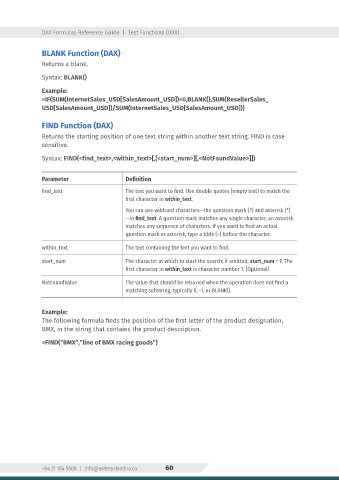
                FIND Function (DAX)
                Returns the starting position of one text string within another text string. FIND is case
                sensitive.

                Syntax: FIND(<find_text>,<within_text>[,[<start_num>][,<NotFoundValue>]])


                Parameter                    Definition
                find_text                    The text you want to find. Use double quotes (empty text) to match the
                                             first character in within_text.
                                             You can use wildcard characters—the question mark (?) and asterisk (*)
                                             —in find_text. A question mark matches any single character, an asterisk
                                             matches any sequence of characters. If you want to find an actual
                                             question mark or asterisk, type a tilde (~) before the character.

                within_text                  The text containing the text you want to find.

                start_num                    The character at which to start the search; if omitted, start_num = 1. The
                                             first character in within_text is character number 1. (Optional)

                NotFoundValue                The value that should be returned when the operation does not find a
                                             matching substring, typically 0, -1, or BLANK().


                Example:
                The following formula finds the position of the first letter of the product designation,
                BMX, in the string that contains the product description.

                =FIND(“BMX”,”line of BMX racing goods”)


                +64 21 164 5508  |  info@enterprisedna.co  60

