


Page 25 - fjs-genero-3.00.02-manual-install_Neat
P. 25
Install Genero Studio | 24


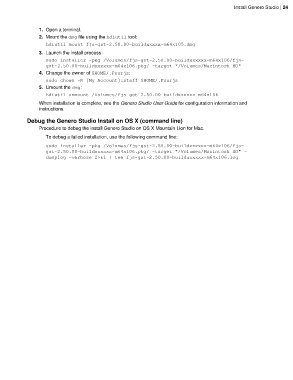
                 1. Open a terminal.
                 2. Mount the dmg file using the hdiutil tool:
                    hdiutil mount fjs-gst-2.50.00-buildxxxxx-m64x105.dmg
                 3. Launch the install process:
                    sudo installer -pkg /Volumes/fjs-gst-2.50.00-buildxxxxxx-m64x106/fjs-
                    gst-2.50.00-buildxxxxxx-m64x106.pkg/ -target "/Volumes/Macintosh HD"
                 4. Change the owner of $HOME/.Fourjs:
                    sudo chown -R [My Account]:staff $HOME/.Fourjs
                 5. Umount the dmg:
                    hdiutil unmount /Volumes/fjs-gst-2.50.00-buildxxxxxx-m64x106
                 When installation is complete, see the Genero Studio User Guide for configuration information and
                 instructions.

            Debug the Genero Studio Install on OS X (command line)
                 Procedure to debug the install Genero Studio on OS X Mountain Lion for Mac.
                    To debug a failed installation, use the following command line:

                    sudo installer -pkg /Volumes/fjs-gst-2.50.00-buildxxxxxx-m64x106/fjs-
                    gst-2.50.00-buildxxxxxx-m64x106.pkg/ -target "/Volumes/Macintosh HD" -
                    dumplog -verbose 2>&1 | tee fjs-gst-2.50.00-buildxxxxxx-m64x106.log

