


Page 29 - fjs-genero-3.00.02-manual-install_Neat
P. 29
Install Genero Report Designer | 28


            Install Genero Report Designer


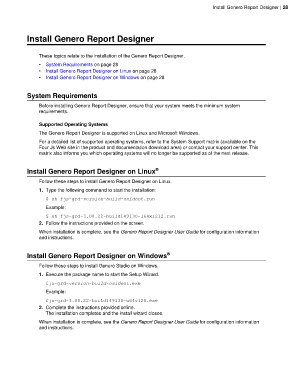
                 These topics relate to the installation of the Genero Report Designer.
                 •  System Requirements on page 28
                 •  Install Genero Report Designer on Linux on page 28
                 •  Install Genero Report Designer on Windows on page 28


            System Requirements

                 Before installing Genero Report Designer, ensure that your system meets the minimum system
                 requirements.


                 Supported Operating Systems
                 The Genero Report Designer is supported on Linux and Microsoft Windows.
                 For a detailed list of supported operating systems, refer to the System Support matrix (available on the
                 Four Js Web site in the product and documentation download area) or contact your support center. This
                 matrix also informs you which operating systems will no longer be supported as of the next release.


            Install Genero Report Designer on Linux               ®

                 Follow these steps to install Genero Report Designer on Linux.
                 1. Type the following command to start the installation:
                    $ sh fjs-grd-version-build-osident.run

                    Example:
                    $ sh fjs-grd-3.00.22-build149130-l64xl212.run
                 2. Follow the instructions provided on the screen.
                 When installation is complete, see the Genero Report Designer User Guide for configuration information
                 and instructions.


            Install Genero Report Designer on Windows                  ®

                 Follow these steps to install Genero Studio on Windows.
                 1. Execute the package name to start the Setup Wizard.
                    fjs-grd-version-build-osident.exe

                    Example:
                    fjs-grd-3.00.22-build149130-w64v120.exe
                 2. Complete the instructions provided online.
                    The installation completes and the install wizard closes.
                 When installation is complete, see the Genero Report Designer User Guide for configuration information
                 and instructions.

