


Page 9 - Trainer Guide to the Learning Hub - OnBoard
P. 9
P ag e  | 9


          Name, this should state Lender Exam – Trainers Name where the trainers name is that of the person
          invigilating the exam.

          Event Start and End times should be set to those where the session will be held between.
          Location should be entered where the session is taking place.

          Description, enter any other relevant information such as Annuals / Newstarter etc.

          Then press save.

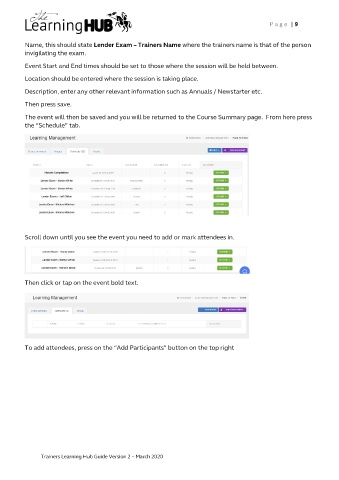
          The event will then be saved and you will be returned to the Course Summary page.  From here press
          the “Schedule” tab.


          Scroll down until you see the event you need to add or mark attendees in.


          Then click or tap on the event bold text.


          To add attendees, press on the “Add Participants” button on the top right


               Trainers Learning Hub Guide Version 2 – March 2020

