


Page 26 - TCS ICT Book 4
P. 26
The City School  2021-2022


                     Let’s Review


            1.  Kerning is the amount of space between each character that you type. Sometimes
                the space between two characters is larger than others, which makes the word look

                uneven.
            2.  The lines in all Word documents are single-spaced by default.                                                                   Presentation Design Tips

            3.  Indentation adds structure to the document by separating the information
            4.  Tab creates a first line indent of ½ inch

            5.  Indent markers that allow to indent paragraphs to the location you want.
            6.  When the first line is not indented while all the subsequent lines of the paragraph are

                indented from the left margin of the page is called Hanging Indent.
            7.  A table is a grid of cells arranged in rows and columns.

            8.  The Find feature allows to search the document whereas the Replace feature allows
                you to quickly change words or phrases.

            9.  Read Mode is optimized for reading a document on the computer screen.
            10. Print Layout is the default layout and the one you see most often.

            11.  Web Layout is suitable if you are designing a web page in Word. Web Layout view                                 Use design                      Use consistent font                       Do not use a lot
                shows how your document will look like a web page.
                                                                                                                                   template                             and colours                                 of text


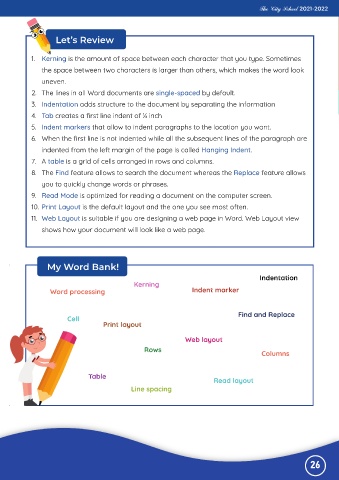
                  My Word Bank!

                                                                                            Indentation
                                                Kerning
                   Word processing                                  Indent marker


                                                                                     Find and Replace
                         Cell
                                     Print layout

                                                                  Web layout                                                                                                                               Highlight key

                                                    Rows                                                                       Use effects but                        Use images to
                                                                                             Columns
                                                                                                                                 don’t overuse                 highlight ideas where                           points in

                                Table
                                                                            Read layout                                                  them                              possible                        presentation
                                               Line spacing


                                                                                                              26

