


Page 14 - TCS ICT Book 7
P. 14
The City School  2021-2022


             1.3.  Format Sheet as Table

             In Excel, a table is a specially designated range of numbers. This special range of

             numbers has added functionality that other cell ranges do not have. You can have
             more than one table in a workbook or worksheet if you want, and tables can be as

             large or small as the amount of data you want to work with.
             Normally a table is made from adjacent columns of data, with a unique label or

             heading for each column. Each row in the table should have entries organized
             according to the column headings. You should keep your table data adjacent in a

             block to take advantage of all of Excel’s table features. Some Excel features, like filters
             and PivotTables, will not work correctly if the data is not blocked together in adjacent

             columns as a table.


             To create a table from existing data in your spreadsheet:

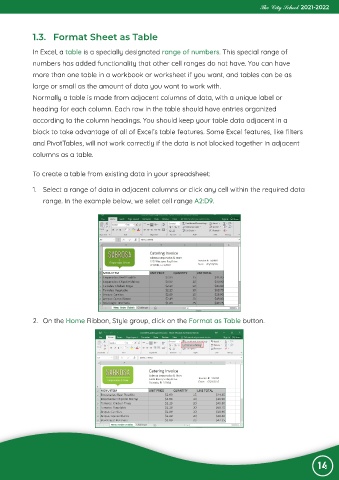
             1.  Select a range of data in adjacent columns or click any cell within the required data

                range. In the example below, we selet cell range A2:D9.


             2.  On the Home Ribbon, Style group, click on the Format as Table button.


                                                                                                                 14

