


Page 32 - Learn To Use HTML and CSS
P. 32
So You Want to Learn to Use HTML and CSS – Version 2020-06-12a                        Page 22
               Chapter 2 — Adding Images, Media, Color, and Font Effects

                <video width="640" height="496" controls>
             Free
                    <source src="media/heart.ogv" type="video/ogg">
                    <source src="media/heart.mp4" type="video/mp4">
                    Your browser does not support the video element.
                </video>


                                                                                                   35
               It is recommended that you include both the .mp4 and .ogg file formats in your HTML.  To
             eBook
               achieve this you may need to use a program to transcode your video files. Here are some
               recommended programs:
                       handbrake   — An open source program that can convert nearly any file format
                                 36
                   •
                              37
                   •   ffmpeg   — A free software project that can convert video file formats and much more
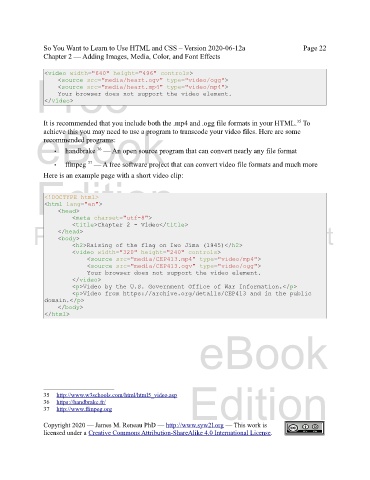
               Here is an example page with a short video clip:
             Edition


                <!DOCTYPE html>
                <html lang="en">
                    <head>
                         <meta charset="utf-8">
                         <title>Chapter 2 - Video</title>
            Please support this work at
                    </head>
                    <body>
                         <h2>Raising of the flag on Iwo Jima (1945)</h2>
                         <video width="320" height="240" controls>
                                  http://syw2l.org
                              <source src="media/CEP413.mp4" type="video/mp4">
                              <source src="media/CEP413.ogv" type="video/ogg">
                              Your browser does not support the video element.
                         </video>
                         <p>Video by the U.S. Government Office of War Information.</p>
                         <p>Video from https://archive.org/details/CEP413 and in the public
                domain.</p>                                                    Free
                    </body>
                </html>


                                                                   eBook


                                                                Edition

               35   http://www.w3schools.com/html/html5_video.asp

               36     https://handbrake.fr/


               37   http://www.ffmpeg.org
               Copyright 2020 — James M. Reneau PhD — http://www.syw2l.org — This work is
               licensed under a Creative Commons Attribution-ShareAlike 4.0 International License.

