


Page 172 - Learn to Program - Basic-256
P. 172
Chapter 11: Mouse Control – Moving Things Around.                               Page 156


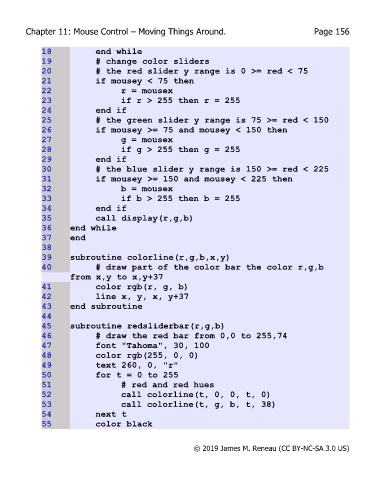
             18             end while
             19             # change color sliders
             20             # the red slider y range is 0 >= red < 75
             21             if mousey < 75 then
             22                    r = mousex
             23                    if r > 255 then r = 255
             24             end if
             25             # the green slider y range is 75 >= red < 150
             26             if mousey >= 75 and mousey < 150 then
             27                    g = mousex
             28                    if g > 255 then g = 255
             29             end if
             30             # the blue slider y range is 150 >= red < 225
             31             if mousey >= 150 and mousey < 225 then
             32                    b = mousex
             33                    if b > 255 then b = 255
             34             end if
             35             call display(r,g,b)
             36     end while
             37     end
             38
             39     subroutine colorline(r,g,b,x,y)
             40             # draw part of the color bar the color r,g,b
                    from x,y to x,y+37
             41             color rgb(r, g, b)
             42             line x, y, x, y+37
             43     end subroutine
             44
             45     subroutine redsliderbar(r,g,b)
             46             # draw the red bar from 0,0 to 255,74
             47             font "Tahoma", 30, 100
             48             color rgb(255, 0, 0)
             49             text 260, 0, "r"
             50             for t = 0 to 255
             51                    # red and red hues
             52                    call colorline(t, 0, 0, t, 0)
             53                    call colorline(t, g, b, t, 38)
             54             next t
             55             color black


                                                       © 2019 James M. Reneau (CC BY-NC-SA 3.0 US)

