


Page 175 - Learn to Program - Basic-256
P. 175
Chapter 11: Mouse Control – Moving Things Around.                               Page 159


            Exercises:


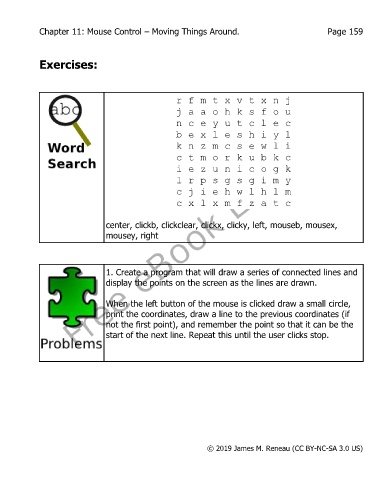
                                                  r f m t x v t x n j
                                                  j a a o h k s f o u
                                                  n c e y u t c l e c
                                                  b e x l e s h i y l
                                                  k n z m c s e w l i
                                                  c t m o r k u b k c
                                                  i e z u n i c o g k
                                                  l r p s g s g i m y
                                                  c j i e h w l h l m
                                                  c x l x m f z a t c


                              center, clickb, clickclear, clickx, clicky, left, mouseb, mousex,
                              mousey, right


                              1. Create a program that will draw a series of connected lines and
                              display the points on the screen as the lines are drawn.


                              When the left button of the mouse is clicked draw a small circle,
                              print the coordinates, draw a line to the previous coordinates (if
                              not the first point), and remember the point so that it can be the
                              start of the next line. Repeat this until the user clicks stop.


                                                           © 2019 James M. Reneau (CC BY-NC-SA 3.0 US)

