


Page 176 - Learn to Program - Basic-256
P. 176
Chapter 11: Mouse Control – Moving Things Around.                               Page 160


                                  46,62
                                  187,59
                                  178,132
                                  108,96


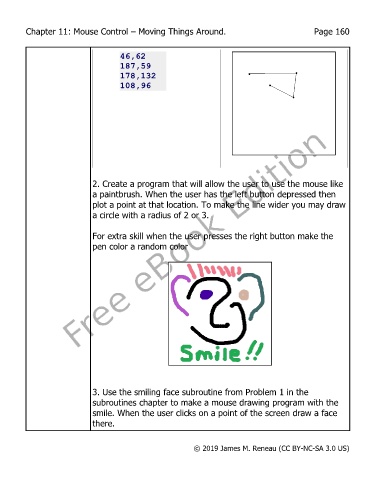
                           2. Create a program that will allow the user to use the mouse like
                           a paintbrush. When the user has the left button depressed then
                           plot a point at that location. To make the line wider you may draw
                           a circle with a radius of 2 or 3.


                           For extra skill when the user presses the right button make the
                           pen color a random color


                           3. Use the smiling face subroutine from Problem 1 in the
                           subroutines chapter to make a mouse drawing program with the
                           smile. When the user clicks on a point of the screen draw a face
                           there.


                                                       © 2019 James M. Reneau (CC BY-NC-SA 3.0 US)

