


Page 178 - Learn to Program - Basic-256
P. 178
Chapter 12: Keyboard Control – Using the Keyboard to Do Things.                 Page 162


        Chapter 12: Keyboard Control – Using the

               Keyboard to Do Things.


               This chapter will show you how to make your program respond to the user
               when a key is pressed (arrows, letters, and special keys) on the keyboard.


        Getting the Last Key Press:


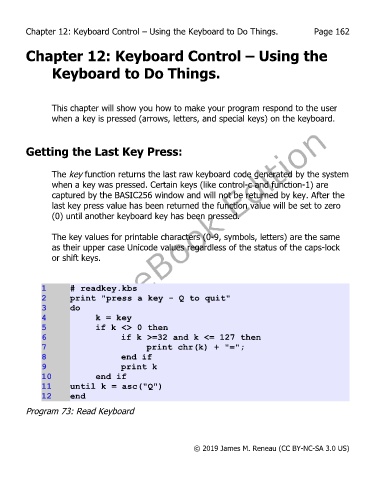
               The key function returns the last raw keyboard code generated by the system
               when a key was pressed. Certain keys (like control-c and function-1) are
               captured by the BASIC256 window and will not be returned by key. After the
               last key press value has been returned the function value will be set to zero
               (0) until another keyboard key has been pressed.


               The key values for printable characters (0-9, symbols, letters) are the same
               as their upper case Unicode values regardless of the status of the caps-lock
               or shift keys.


             1      # readkey.kbs
             2      print "press a key - Q to quit"
             3      do
             4              k = key
             5              if k <> 0 then
             6                     if k >=32 and k <= 127 then
             7                            print chr(k) + "=";
             8                     end if
             9                     print k
             10             end if
             11     until k = asc("Q")
             12     end
        Program 73: Read Keyboard


                                                       © 2019 James M. Reneau (CC BY-NC-SA 3.0 US)

