


Page 199 - Learn to Program - Basic-256
P. 199
Chapter 13: Images, WAVs, and Sprites                                           Page 183


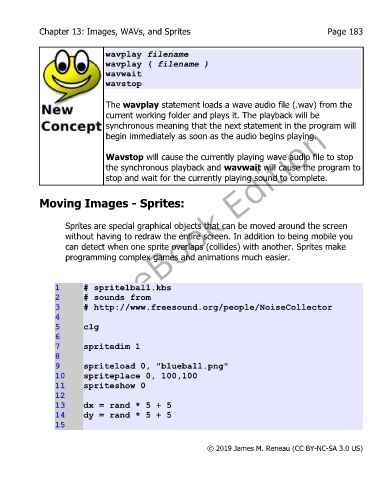
                              wavplay filename
                              wavplay ( filename )
                              wavwait
                              wavstop

                              The wavplay statement loads a wave audio file (.wav) from the
                              current working folder and plays it. The playback will be
                              synchronous meaning that the next statement in the program will
                              begin immediately as soon as the audio begins playing.

                              Wavstop will cause the currently playing wave audio file to stop
                              the synchronous playback and wavwait will cause the program to
                              stop and wait for the currently playing sound to complete.


            Moving Images - Sprites:


                   Sprites are special graphical objects that can be moved around the screen
                   without having to redraw the entire screen. In addition to being mobile you
                   can detect when one sprite overlaps (collides) with another. Sprites make
                   programming complex games and animations much easier.


                1       # sprite1ball.kbs
                2       # sounds from
                3       # http://www.freesound.org/people/NoiseCollector
                4
                5       clg
                6
                7       spritedim 1
                8
                9       spriteload 0, "blueball.png"
                10      spriteplace 0, 100,100
                11      spriteshow 0
                12
                13      dx = rand * 5 + 5
                14      dy = rand * 5 + 5
                15


                                                           © 2019 James M. Reneau (CC BY-NC-SA 3.0 US)

