


Page 148 - Super Scratch Programming Adventure -1st Edition
P. 148
BONuS
                                             STaGE
                  MaKE                                            1:
                                    IT,
                                             SharE
                                                                  IT!


               Besides showing your friends, family, and teachers the work and
               enthusiasm that you’ve put into your own Scratch projects, you
               can also upload them to the Scratch website to share with others
               from around the world! Once you do, other Scratch programmers
               can remix your projects, give you feedback, and more.
                   Follow these steps to connect with others:

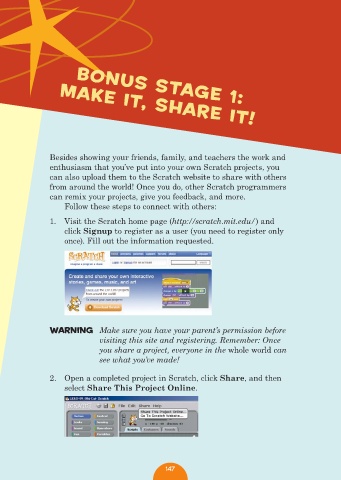
               1.  Visit the Scratch home page (http://scratch.mit.edu/) and
                   click Signup to register as a user (you need to register only
                   once). Fill out the information requested.


               WarNING  Make sure you have your parent’s permission before
                             visiting this site and registering. Remember: Once
                             you share a project, everyone in the whole world can
                             see what you’ve made!

               2.  Open a completed project in Scratch, click Share, and then
                   select Share This Project Online.


                                                147

