


Page 149 - Super Scratch Programming Adventure -1st Edition
P. 149
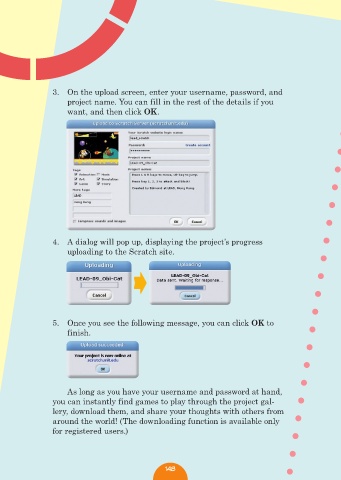
3.  On the upload screen, enter your username, password, and
                    project name. You can fill in the rest of the details if you
                    want, and then click OK.


                4.  A dialog will pop up, displaying the project’s progress
                    uploading to the Scratch site.


                5.  Once you see the following message, you can click OK to
                    finish.


                    As long as you have your username and password at hand,
                you can instantly find games to play through the project gal-
                lery, download them, and share your thoughts with others from
                around the world! (The downloading function is available only
                for registered users.)


                                                148

