


Page 214 - Scratch Programming Playground
P. 214
save point


                         Click the green flag to test the code so far. press the WASD
                         keys to see how the spaceship gets pushed. Make sure all four
                         WASD keys push the spaceship in the correct directions. Then
                         click the red stop sign and save your program.


                                 Make the spaceship
                           B    wrap Around the edges


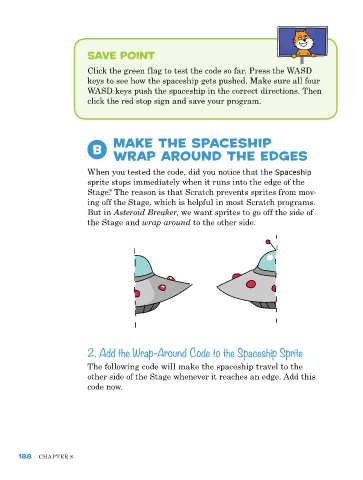
                         When you tested the code, did you notice that the Spaceship
                         sprite stops immediately when it runs into the edge of the
                         Stage? The reason is that Scratch prevents sprites from mov-
                         ing off the Stage, which is helpful in most Scratch programs.
                         But in Asteroid Breaker, we want sprites to go off the side of
                         the Stage and wrap around to the other side.


                         2. Add the Wrap-Around Code to the Spaceship Sprite

                         The following code will make the spaceship travel to the
                         other side of the Stage whenever it reaches an edge. Add this
                         code now.


      188   ChApTer 8

