


Page 134 - Programming With Python 3
P. 134
An Introduction to STEM Programming with Python — 2019-09-03a                              Page 121
            Chapter 10 — Files


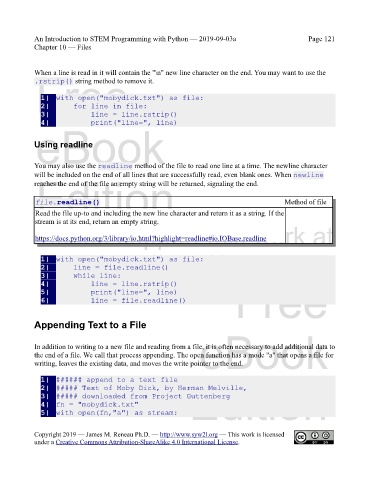
            When a line is read in it will contain the "\n" new line character on the end. You may want to use the
             Free
            .rstrip() string method to remove it.

               1|  with open("mobydick.txt") as file:
               2|      for line in file:
               3|          line = line.rstrip()
               4|          print("line=", line)
             eBook


            Using readline


            You may also use the readline method of the file to read one line at a time. The newline character
            will be included on the end of all lines that are successfully read, even blank ones. When newline
             Edition
            reaches the end of the file an empty string will be returned, signaling the end.


             file.readline()                                                                   Method of file
             Read the file up-to and including the new line character and return it as a string. If the
             stream is at its end, return an empty string.
            Please support this work at
             https://docs.python.org/3/library/io.html?highlight=readline#io.IOBase.readline


                                  http://syw2l.org
               1|  with open("mobydick.txt") as file:
               2|      line = file.readline()
               3|      while line:
               4|          line = line.rstrip()
               5|          print("line=", line)
               6|          line = file.readline()                              Free


            Appending Text to a File
                                                                   eBook

            In addition to writing to a new file and reading from a file, it is often necessary to add additional data to
            the end of a file. We call that process appending. The open function has a mode "a" that opens a file for
            writing, leaves the existing data, and moves the write pointer to the end.


               1|  ###### append to a text file
                                                                Edition
               2|  ##### Text of Moby Dick, by Herman Melville,
               3|  ##### downloaded from Project Guttenberg
               4|  fn = "mobydick.txt"
               5|  with open(fn,"a") as stream:


            Copyright 2019 — James M. Reneau Ph.D. — http://www.syw2l.org — This work is licensed
            under a Creative Commons Attribution-ShareAlike 4.0 International License.

