


Page 261 - Advanced Course
P. 261
KNX ADVANCED COURSE


                  1  Introduction

                  For more than 20 years now and on a worldwide scale, numerous automation projects
                  have been realized with KNX, ranging from private, single-family homes to the networking
                  of office building floors and even entire airports. This high variety in project types requires
                  the continuous development of new approaches on how one deals with the project at
                  hand and its handling in ETS, the tool in which these projects and their structures are
                  created, edited, configured and managed.

                  In many cases, whether the projects needs to be edited simultaneously by several
                  persons or because of the sheer number of KNX devices used, the project designer will
                  desire special functions for his projects or for certain devices.

                  It is for this reason that KNX has opted to allow KNX manufacturers to extend the
                  functional scope of ETS by special programs; these use interfaces available in ETS
                  specifically available for such extensions. Two types of extensions are distinguished:

                  1.1  Definition

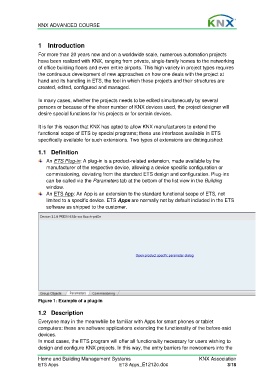
                      An ETS Plug-in: A plug-in is a product-related extension, made available by the
                      manufacturer of the respective device, allowing a device specific configuration or
                      commissioning, deviating from the standard ETS design and configuration. Plug-ins
                      can be called via the Parameters tab at the bottom of the list view in the Building
                      window.
                      An ETS App: An App is an extension to the standard functional scope of ETS, not
                      limited to a specific device. ETS Apps are normally not by default included in the ETS
                      software as shipped to the customer.


                  Figure 1: Example of a plug-in


                  1.2  Description
                  Everyone may in the meanwhile be familiar with Apps for smart phones or tablet
                  computers: these are software applications extending the functionality of the before-said
                  devices.
                  In most cases, the ETS program will offer all functionality necessary for users wishing to
                  design and configure KNX projects. In this way, the entry barriers for newcomers into the

                  Home and Building Management Systems                                    KNX Association
                  ETS Apps                            ETS Apps_E1212c.doc                             3/18

