


Page 26 - Inventory Manager
P. 26
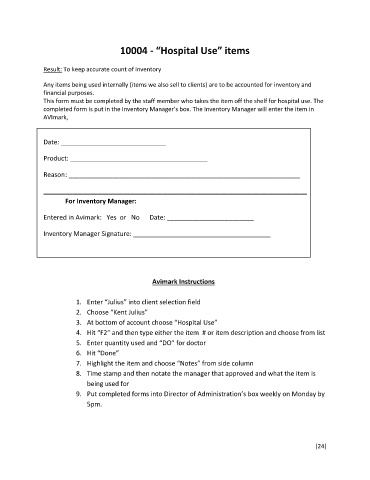
10004 - “Hospital Use” items


               Result: To keep accurate count of inventory

               Any items being used internally (items we also sell to clients) are to be accounted for inventory and
               financial purposes.
               This form must be completed by the staff member who takes the item off the shelf for hospital use. The
               completed form is put in the Inventory Manager’s box. The Inventory Manager will enter the item in
               AVImark,


               Date: _____________________________

               Product: ______________________________________

               Reason : ________________________________________________________________


               _________________________________________________________________________
                       For Inventory Manager:

               Entered in Avimark:   Yes  or   No      Date: ________________________


               Inventory Manager Signature: ______________________________________


                                                   Avimark Instructions


                          1.  Enter “Julius” into client selection field
                          2.  Choose “Kent Julius”
                          3.  At bottom of account choose “Hospital Use”
                          4.  Hit “F2” and then type either the item  # or item description and choose from list
                          5.  Enter quantity used and “DO” for doctor
                          6.  Hit “Done”
                          7.  Highlight the item and choose “Notes” from side column
                          8.  Time stamp and then notate the manager that approved and what the item is
                              being used for

                          9.  Put completed forms into Director of Administration’s box weekly on Monday by
                              5pm.


                                                                                                         [24]

