


Page 116 - digitalliteracy
P. 116
6.1  Leaving a Trail on the Web


                       Your Trail of IP Addresses and Domain Names


                       Every computer has an Internet protocol address or IP address. The IP address is a series of
                       numbers  such  as  192.168.0.1  that  is  assigned  by an Internet service provider or private
                       network administrator. The IP address does not indicate who is using the device, but when
                       you open a browser and enter the web, the IP address and location of your computer are sent
                       to every website you visit. In this way your movements on the web can be tracked. This
                       tracking may offer you some benefits. For example, websites may recognize you if you have
                       visited before and stream-line  your online shopping experience. Or your IP address may
                       help investigators find your electronic device if it is lost or stolen.

                       Every website is also assigned an IP address, which specifies where on the web the site is
                       located. For example, the Ashford University website has the IP address of 199.73.44.51.
                       Because it is easier to remember names than a series of numbers, the website is also given a
                       domain name (also called the host),
                       and the IP address  is  linked  to  that
                       domain name. To find out what your
                       IP address is, follow the instructions
                       in  A Closer Look: What  Is Your Com-
                       puter IP Address?.

                       Domain  names have two parts: the
                       web extension and the web page name.
                       The web extension indicates the type
                       of organization or institution the web-
                       site represents or the country desig-
                       nation, such as .us (United States). For
                       example,  the domain name for Ash-
                       ford’s website is www.ashford.edu. In                        Bloomberg/Contributor/Getty Images
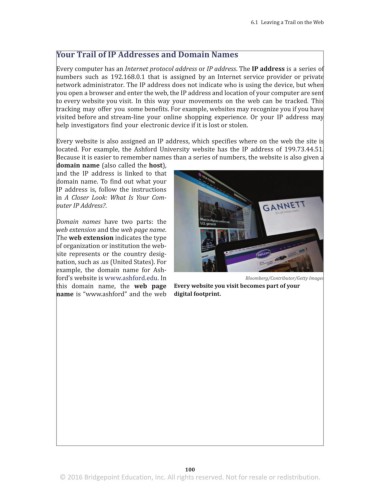
                       this domain name,  the  web  page  Every website you visit becomes part of your
                       name is “w w w.ashford” and the web  digital footprint.


                                                                 100
                        © 2016 Bridgepoint Education, Inc. All rights reserved. Not for resale or redistribution.


       sol82612_06_m06_097-120.indd   100                                                                            6/30/16   11:36 AM

