


Page 107 - Computing E-Book Grade 7
P. 107
The City School  2021-2022


             4.3.  Getting Started with MS Sway


             Sign-in to Start Creating


             1.  To get started with Sway,
             2.  Visit sway.office.com in any                                                                       Presenting Your Ideas

                browser and then click Sign in
                on the top menu bar.

             3.  When prompted, enter the
                email address you want to use

                with Sway.
             4.  You can use your free Microsoft

                Account (Hotmail, Outlook.com)
                or any organizational account

                given to you by your work or school.
             5.  If you don’t already have an account, visit www.microsoft.com/account to sign up

                for free.


             Create

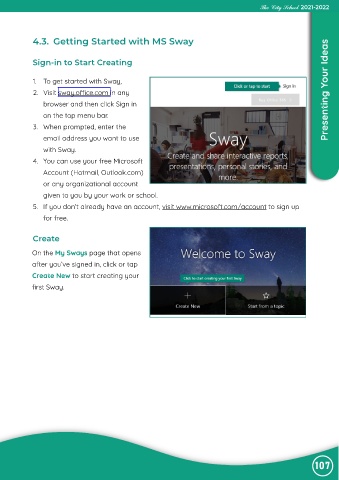
            On the My Sways page that opens

            after you’ve signed in, click or tap
            Create New to start creating your

            first Sway.


                                                                                                                107

