


Page 170 - Computing E-Book Grade 7
P. 170
The City School  2021-2022


             7.6.  Designing an App


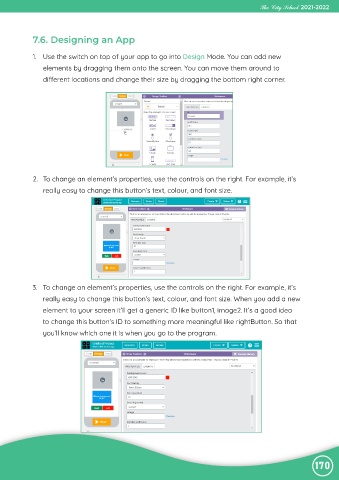
             1.  Use the switch on top of your app to go into Design Mode. You can add new

                elements by dragging them onto the screen. You can move them around to
                different locations and change their size by dragging the bottom right corner.


             2.  To change an element’s properties, use the controls on the right. For example, it’s
                really easy to change this button’s text, colour, and font size.


            3.  To change an element’s properties, use the controls on the right. For example, it’s
                really easy to change this button’s text, colour, and font size. When you add a new

                element to your screen it’ll get a generic ID like button1, image2. It’s a good idea
                to change this button’s ID to something more meaningful like rightButton. So that

                you’ll know which one it is when you go to the program.


                                                                                                                170

