


Page 75 - Computing E-Book Grade 6
P. 75
The City School  2021-2022


             Links

             Whenever you see a word or phrase on a website that’s blue or underlined in blue, it’s

             probably a hyperlink or link for short. You might already know how links work, even if
             you have never thought about them much before. Links are used to navigate the Web.

             When you click a link, it will usually take you to a different web page. You may also
             notice that your cursor changes into a hand icon whenever you hover over a link.                        e-Safety and Going Online


             Navigation Buttons

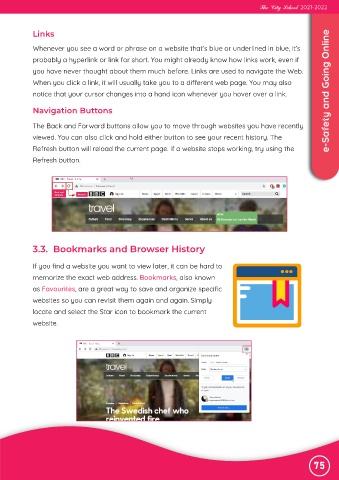
             The Back and Forward buttons allow you to move through websites you have recently

             viewed. You can also click and hold either button to see your recent history. The
             Refresh button will reload the current page. If a website stops working, try using the

             Refresh button.


             3.3.  Bookmarks and Browser History


             If you find a website you want to view later, it can be hard to

             memorize the exact web address. Bookmarks, also known
             as Favourites, are a great way to save and organize specific

             websites so you can revisit them again and again. Simply
             locate and select the Star icon to bookmark the current

             website.


                                                                                                               75

