


Page 65 - Computing E-Book Grade 3
P. 65
The City School  2021-2022


           Even though the turtle just drew a square, he
           didn’t learn how to draw a square. If you type in                Checkpoint

           SQUARE, the turtle will say something like I don’t                                                      urtle
                                                                        Logo is an interactive programming
           know how to SQUARE. Try it.                                  language that is simple, powerful, and
                                                                        best of all fun.
           If we want the turtle to learn how to draw a                 The REPEAT command allows you to
                                                                        repeat commands a specific number of
           square, we have to give him an instruction that              time.                                      Coding T

           teaches him how.
           Now you can use REPEAT command to draw a rectangle, pentagon or any other

           polygon. It is only possible if you know at which angles turtle has to turn and how
           many steps (commands) have to be repeated to create the required shape.

           Always remember that to create a shape involving angles, you have to divide 360 by
           the number of sides of the shape, which you want to draw.

           For instance,
           •  If you want to create a pentagon then you have to divide 360 by 5 to get the

              angle that will be used to create a pentagon by turning left or right.
           •  If you want to create a hexagon then you have to divide 360 by 6 to get the angle

              that will be used to create a hexagon by turning left or right.
           You can draw any shape using the directional command and angles in FMS Logo.


           4.5.  Changing PEN and SCREEN Colour


           You can change the colour of the lines that the turtle draws with the SETPENCOLOR

           command. You can change the colour of the screen (or background) with the
           SETSCREENCOLOR command.


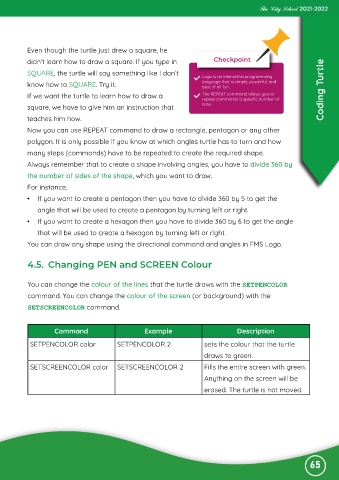
                    Command                         Example                         Description

            SETPENCOLOR color             SETPENCOLOR 2                  sets the colour that the turtle

                                                                         draws to green.
            SETSCREENCOLOR color          SETSCREENCOLOR 2               Fills the entire screen with green.

                                                                         Anything on the screen will be
                                                                         erased. The turtle is not moved.


                                                                                                              65

