


Page 141 - Windows 10 May 2019 Update The Missing Manual: The Book That Should Have Been in the Box
P. 141
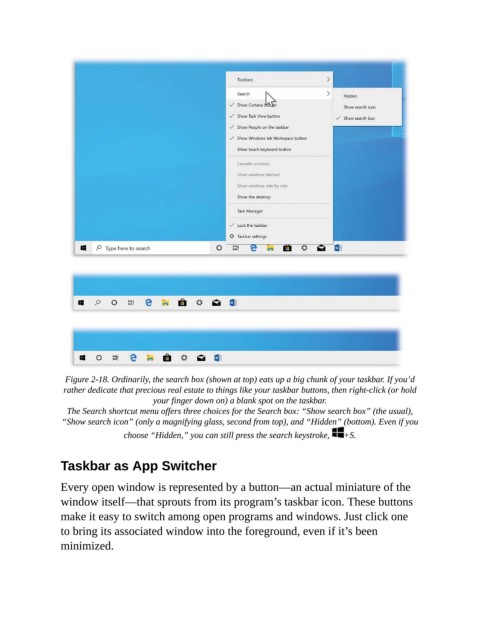
Figure 2-18. Ordinarily, the search box (shown at top) eats up a big chunk of your taskbar. If you’d
                 rather dedicate that precious real estate to things like your taskbar buttons, then right-click (or hold
                                        your finger down on) a blank spot on the taskbar.

                  The Search shortcut menu offers three choices for the Search box: “Show search box” (the usual),
                 “Show search icon” (only a magnifying glass, second from top), and “Hidden” (bottom). Even if you

                                 choose “Hidden,” you can still press the search keystroke,   +S.


                Taskbar as App Switcher


                Every open window is represented by a button—an actual miniature of the
                window itself—that sprouts from its program’s taskbar icon. These buttons
                make it easy to switch among open programs and windows. Just click one

                to bring its associated window into the foreground, even if it’s been
                minimized.

