


Page 253 - Windows 10 May 2019 Update The Missing Manual: The Book That Should Have Been in the Box
P. 253
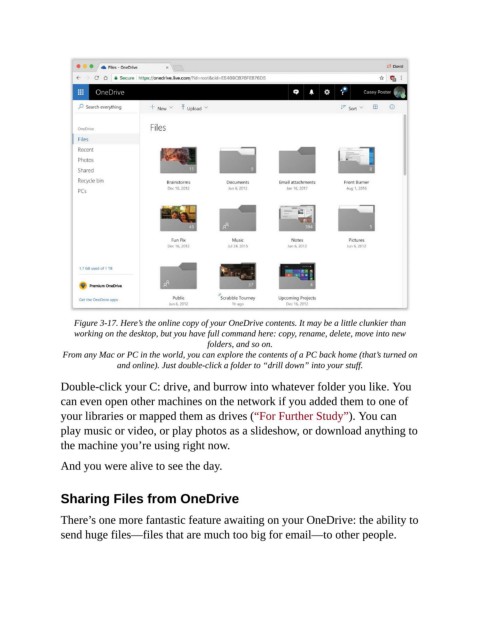
Figure 3-17. Here’s the online copy of your OneDrive contents. It may be a little clunkier than
                    working on the desktop, but you have full command here: copy, rename, delete, move into new
                                                      folders, and so on.

                 From any Mac or PC in the world, you can explore the contents of a PC back home (that’s turned on
                               and online). Just double-click a folder to “drill down” into your stuff.


                Double-click your C: drive, and burrow into whatever folder you like. You
                can even open other machines on the network if you added them to one of
                your libraries or mapped them as drives (“For Further Study”). You can

                play music or video, or play photos as a slideshow, or download anything to
                the machine you’re using right now.

                And you were alive to see the day.


                Sharing Files from OneDrive


                There’s one more fantastic feature awaiting on your OneDrive: the ability to
                send huge files—files that are much too big for email—to other people.

