


Page 319 - Windows 10 May 2019 Update The Missing Manual: The Book That Should Have Been in the Box
P. 319
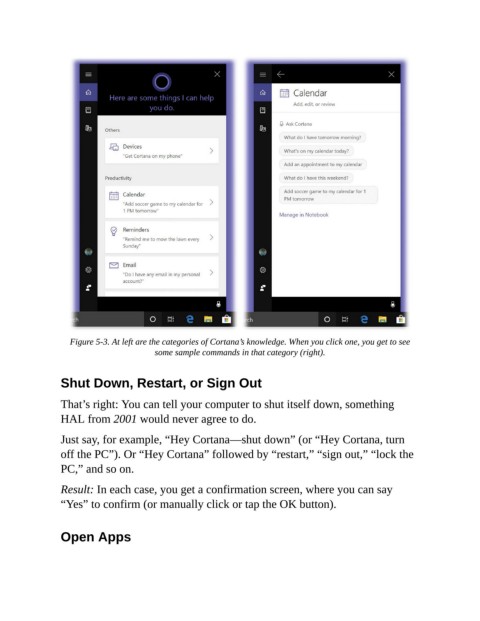
Figure 5-3. At left are the categories of Cortana’s knowledge. When you click one, you get to see
                                        some sample commands in that category (right).


                Shut Down, Restart, or Sign Out

                That’s right: You can tell your computer to shut itself down, something

                HAL from 2001 would never agree to do.

                Just say, for example, “Hey Cortana—shut down” (or “Hey Cortana, turn
                off the PC”). Or “Hey Cortana” followed by “restart,” “sign out,” “lock the

                PC,” and so on.

                Result: In each case, you get a confirmation screen, where you can say
                “Yes” to confirm (or manually click or tap the OK button).


                Open Apps

