


Page 39 - Windows 10 May 2019 Update The Missing Manual: The Book That Should Have Been in the Box
P. 39
available at the Lock screen, too (unless you object; see “Establish Privacy

                Control”).

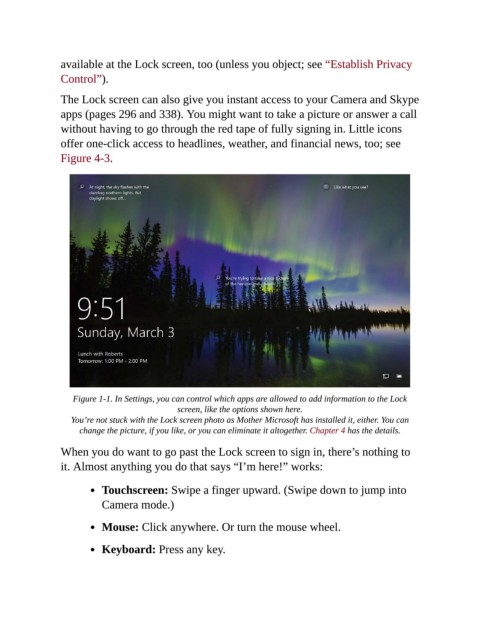
                The Lock screen can also give you instant access to your Camera and Skype
                apps (pages 296 and 338). You might want to take a picture or answer a call
                without having to go through the red tape of fully signing in. Little icons

                offer one-click access to headlines, weather, and financial news, too; see
                Figure 4-3.


                    Figure 1-1. In Settings, you can control which apps are allowed to add information to the Lock
                                              screen, like the options shown here.

                   You’re not stuck with the Lock screen photo as Mother Microsoft has installed it, either. You can
                     change the picture, if you like, or you can eliminate it altogether. Chapter 4 has the details.

                When you do want to go past the Lock screen to sign in, there’s nothing to
                it. Almost anything you do that says “I’m here!” works:


                           Touchscreen: Swipe a finger upward. (Swipe down to jump into
                           Camera mode.)


                           Mouse: Click anywhere. Or turn the mouse wheel.

                           Keyboard: Press any key.

