


Page 41 - Windows 10 May 2019 Update The Missing Manual: The Book That Should Have Been in the Box
P. 41
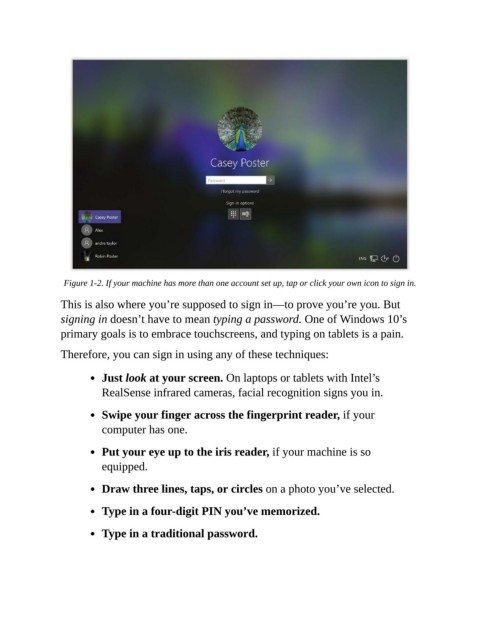
Figure 1-2. If your machine has more than one account set up, tap or click your own icon to sign in.


                This is also where you’re supposed to sign in—to prove you’re you. But
                signing in doesn’t have to mean typing a password. One of Windows 10’s
                primary goals is to embrace touchscreens, and typing on tablets is a pain.

                Therefore, you can sign in using any of these techniques:


                           Just look at your screen. On laptops or tablets with Intel’s

                           RealSense infrared cameras, facial recognition signs you in.

                           Swipe your finger across the fingerprint reader, if your
                           computer has one.


                           Put your eye up to the iris reader, if your machine is so
                           equipped.


                           Draw three lines, taps, or circles on a photo you’ve selected.

                           Type in a four-digit PIN you’ve memorized.


                           Type in a traditional password.

