


Page 419 - Windows 10 May 2019 Update The Missing Manual: The Book That Should Have Been in the Box
P. 419
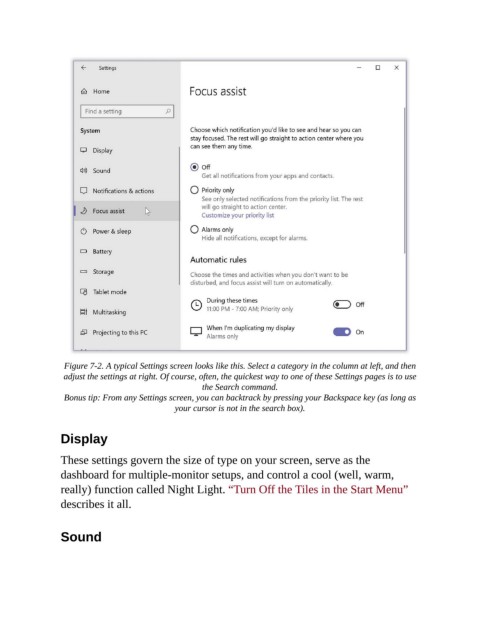
Figure 7-2. A typical Settings screen looks like this. Select a category in the column at left, and then
                 adjust the settings at right. Of course, often, the quickest way to one of these Settings pages is to use
                                                     the Search command.

                 Bonus tip: From any Settings screen, you can backtrack by pressing your Backspace key (as long as
                                              your cursor is not in the search box).


                Display

                These settings govern the size of type on your screen, serve as the

                dashboard for multiple-monitor setups, and control a cool (well, warm,
                really) function called Night Light. “Turn Off the Tiles in the Start Menu”
                describes it all.


                Sound

