


Page 424 - Windows 10 May 2019 Update The Missing Manual: The Book That Should Have Been in the Box
P. 424
How’d you like to use your big computer screen as a wireless display for

                your phone? See “Deleting a Desktop”.


                Shared Experiences


                “Nearby sharing” is Microsoft’s term for what Apple calls AirDrop: a slick,
                simple way to shoot a file from one PC to another—without involving any

                setup, network settings, or user accounts; see “File Sharing 1: Nearby
                Sharing”.


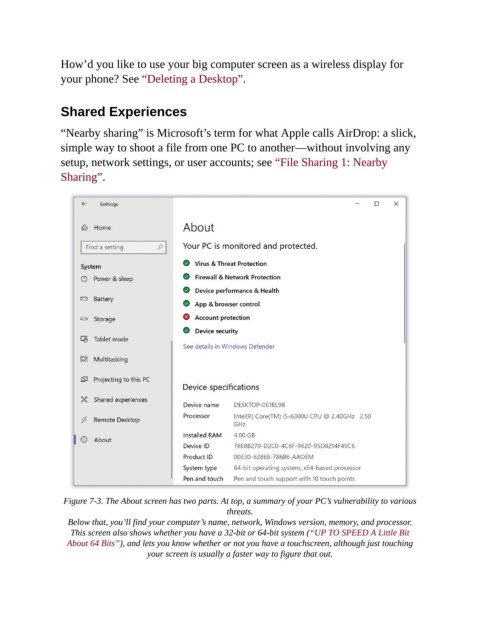
                 Figure 7-3. The About screen has two parts. At top, a summary of your PC’s vulnerability to various
                                                           threats.

                  Below that, you’ll find your computer’s name, network, Windows version, memory, and processor.
                   This screen also shows whether you have a 32-bit or 64-bit system (“UP TO SPEED A Little Bit
                  About 64 Bits”), and lets you know whether or not you have a touchscreen, although just touching
                                       your screen is usually a faster way to figure that out.

