


Page 529 - Windows 10 May 2019 Update The Missing Manual: The Book That Should Have Been in the Box
P. 529
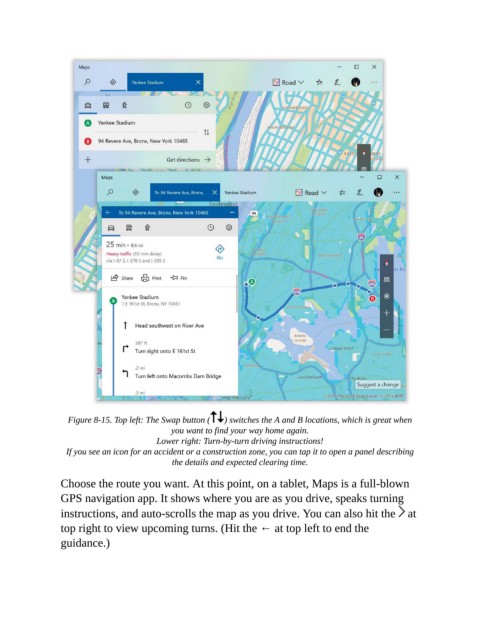
Figure 8-15. Top left: The Swap button (  ) switches the A and B locations, which is great when
                                             you want to find your way home again.

                                         Lower right: Turn-by-turn driving instructions!

                  If you see an icon for an accident or a construction zone, you can tap it to open a panel describing
                                             the details and expected clearing time.

                Choose the route you want. At this point, on a tablet, Maps is a full-blown
                GPS navigation app. It shows where you are as you drive, speaks turning

                instructions, and auto-scrolls the map as you drive. You can also hit the   at
                top right to view upcoming turns. (Hit the ← at top left to end the

                guidance.)

