


Page 531 - Windows 10 May 2019 Update The Missing Manual: The Book That Should Have Been in the Box
P. 531
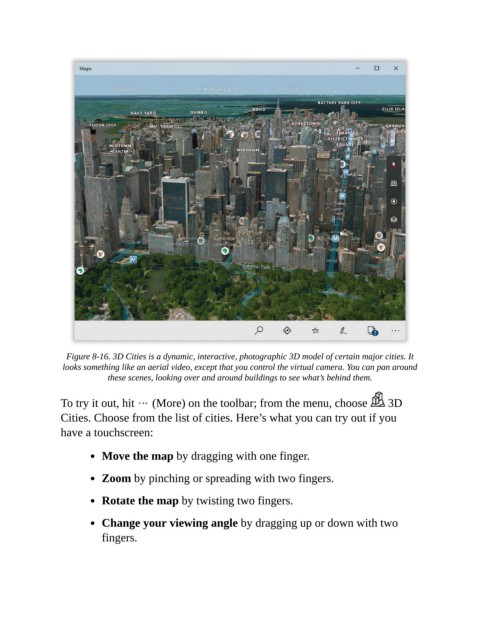
Figure 8-16. 3D Cities is a dynamic, interactive, photographic 3D model of certain major cities. It
                 looks something like an aerial video, except that you control the virtual camera. You can pan around
                            these scenes, looking over and around buildings to see what’s behind them.


                To try it out, hit   (More) on the toolbar; from the menu, choose                   3D

                Cities. Choose from the list of cities. Here’s what you can try out if you
                have a touchscreen:


                           Move the map by dragging with one finger.

                           Zoom by pinching or spreading with two fingers.


                           Rotate the map by twisting two fingers.

                           Change your viewing angle by dragging up or down with two

                           fingers.

