


Page 538 - Windows 10 May 2019 Update The Missing Manual: The Book That Should Have Been in the Box
P. 538
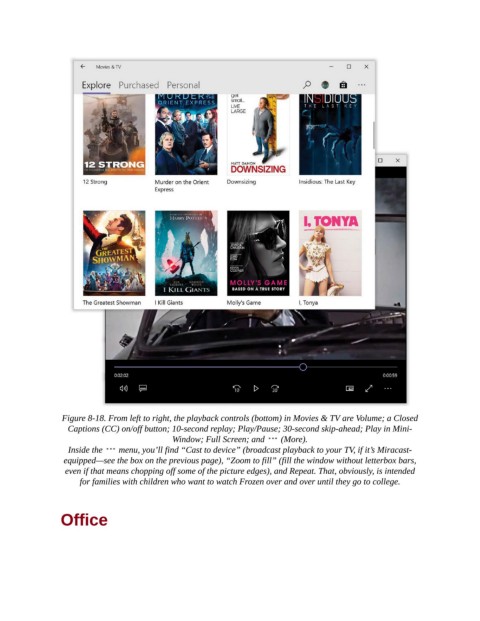
Figure 8-18. From left to right, the playback controls (bottom) in Movies & TV are Volume; a Closed
                  Captions (CC) on/off button; 10-second replay; Play/Pause; 30-second skip-ahead; Play in Mini-
                                             Window; Full Screen; and    (More).

                  Inside the    menu, you’ll find “Cast to device” (broadcast playback to your TV, if it’s Miracast-
                 equipped—see the box on the previous page), “Zoom to fill” (fill the window without letterbox bars,
                 even if that means chopping off some of the picture edges), and Repeat. That, obviously, is intended
                     for families with children who want to watch Frozen over and over until they go to college.


                Office

