


Page 552 - Windows 10 May 2019 Update The Missing Manual: The Book That Should Have Been in the Box
P. 552
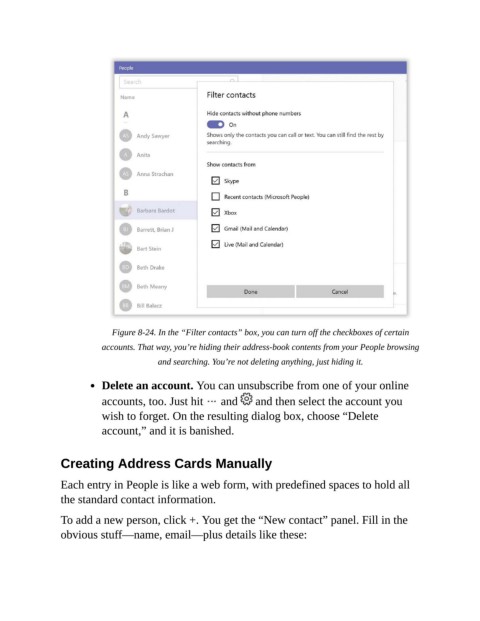
Figure 8-24. In the “Filter contacts” box, you can turn off the checkboxes of certain
                           accounts. That way, you’re hiding their address-book contents from your People browsing

                                         and searching. You’re not deleting anything, just hiding it.

                           Delete an account. You can unsubscribe from one of your online

                           accounts, too. Just hit   and   and then select the account you
                           wish to forget. On the resulting dialog box, choose “Delete

                           account,” and it is banished.


                Creating Address Cards Manually

                Each entry in People is like a web form, with predefined spaces to hold all

                the standard contact information.

                To add a new person, click +. You get the “New contact” panel. Fill in the
                obvious stuff—name, email—plus details like these:

