


Page 575 - Windows 10 May 2019 Update The Missing Manual: The Book That Should Have Been in the Box
P. 575
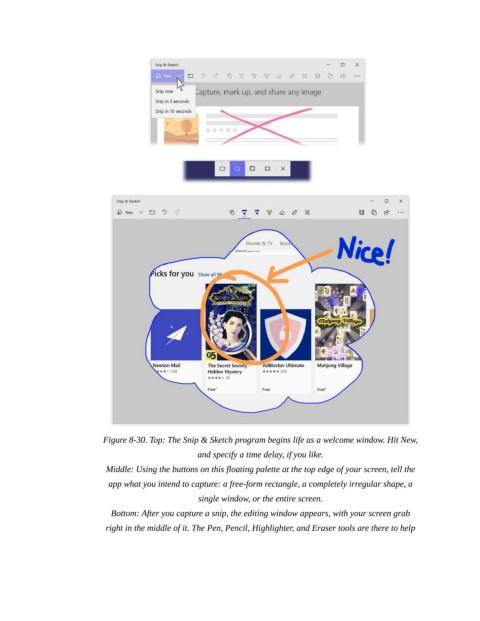
Figure 8-30. Top: The Snip & Sketch program begins life as a welcome window. Hit New,

                                                   and specify a time delay, if you like.

                            Middle: Using the buttons on this floating palette at the top edge of your screen, tell the
                             app what you intend to capture: a free-form rectangle, a completely irregular shape, a

                                                    single window, or the entire screen.

                             Bottom: After you capture a snip, the editing window appears, with your screen grab
                            right in the middle of it. The Pen, Pencil, Highlighter, and Eraser tools are there to help

