


Page 607 - Windows 10 May 2019 Update The Missing Manual: The Book That Should Have Been in the Box
P. 607
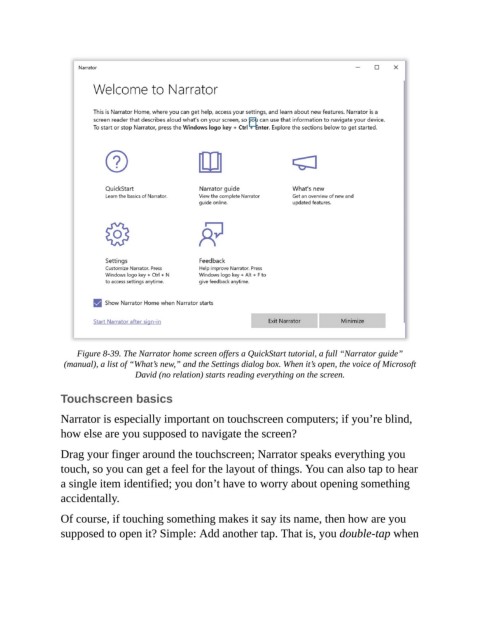
Figure 8-39. The Narrator home screen offers a QuickStart tutorial, a full “Narrator guide”
                 (manual), a list of “What’s new,” and the Settings dialog box. When it’s open, the voice of Microsoft
                                   David (no relation) starts reading everything on the screen.

                Touchscreen basics


                Narrator is especially important on touchscreen computers; if you’re blind,
                how else are you supposed to navigate the screen?

                Drag your finger around the touchscreen; Narrator speaks everything you

                touch, so you can get a feel for the layout of things. You can also tap to hear
                a single item identified; you don’t have to worry about opening something
                accidentally.


                Of course, if touching something makes it say its name, then how are you
                supposed to open it? Simple: Add another tap. That is, you double-tap when

