


Page 608 - Windows 10 May 2019 Update The Missing Manual: The Book That Should Have Been in the Box
P. 608
a single tap usually works (or press-and-hold) and triple-tap when you’d

                ordinarily double-tap.

                As you’ll discover, mastering Narrator takes a lot of time and patience; it’s
                something like a complete operating system in itself. You’d be wise to take
                the QuickStart tutorial.


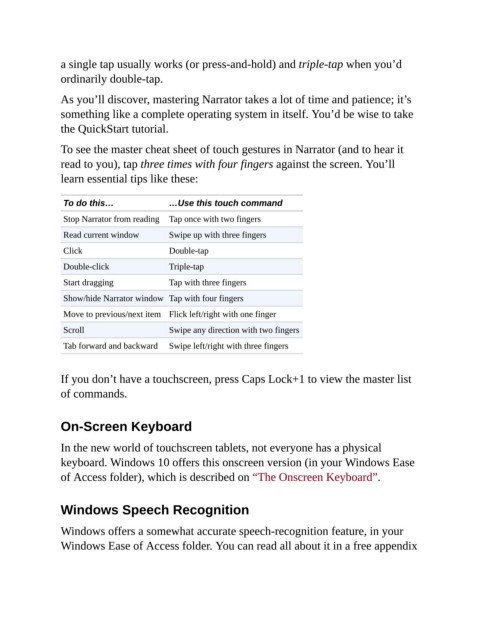
                To see the master cheat sheet of touch gestures in Narrator (and to hear it
                read to you), tap three times with four fingers against the screen. You’ll
                learn essential tips like these:


                 To do this…                …Use this touch command
                 Stop Narrator from reading  Tap once with two fingers

                 Read current window        Swipe up with three fingers
                 Click                      Double-tap

                 Double-click               Triple-tap
                 Start dragging             Tap with three fingers

                 Show/hide Narrator window Tap with four fingers
                 Move to previous/next item Flick left/right with one finger

                 Scroll                     Swipe any direction with two fingers
                 Tab forward and backward   Swipe left/right with three fingers


                If you don’t have a touchscreen, press Caps Lock+1 to view the master list

                of commands.


                On-Screen Keyboard

                In the new world of touchscreen tablets, not everyone has a physical

                keyboard. Windows 10 offers this onscreen version (in your Windows Ease
                of Access folder), which is described on “The Onscreen Keyboard”.


                Windows Speech Recognition


                Windows offers a somewhat accurate speech-recognition feature, in your
                Windows Ease of Access folder. You can read all about it in a free appendix

