


Page 707 - Windows 10 May 2019 Update The Missing Manual: The Book That Should Have Been in the Box
P. 707
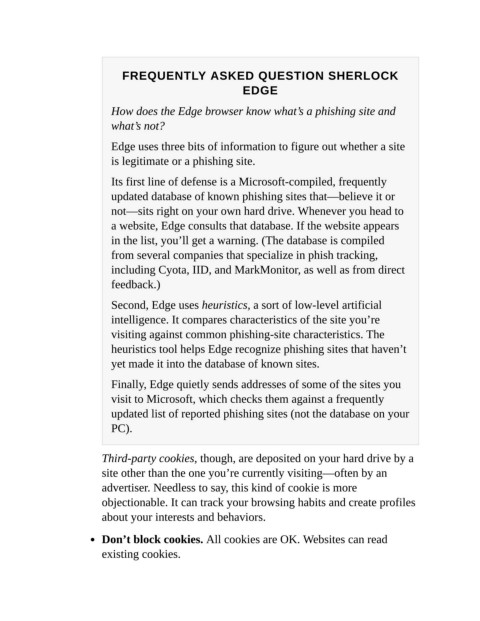
FREQUENTLY ASKED QUESTION SHERLOCK
                                                               EDGE


                             How does the Edge browser know what’s a phishing site and
                             what’s not?

                             Edge uses three bits of information to figure out whether a site

                             is legitimate or a phishing site.

                             Its first line of defense is a Microsoft-compiled, frequently
                             updated database of known phishing sites that—believe it or
                             not—sits right on your own hard drive. Whenever you head to

                             a website, Edge consults that database. If the website appears
                             in the list, you’ll get a warning. (The database is compiled

                             from several companies that specialize in phish tracking,
                             including Cyota, IID, and MarkMonitor, as well as from direct
                             feedback.)


                             Second, Edge uses heuristics, a sort of low-level artificial
                             intelligence. It compares characteristics of the site you’re
                             visiting against common phishing-site characteristics. The

                             heuristics tool helps Edge recognize phishing sites that haven’t
                             yet made it into the database of known sites.

                             Finally, Edge quietly sends addresses of some of the sites you
                             visit to Microsoft, which checks them against a frequently

                             updated list of reported phishing sites (not the database on your
                             PC).


                           Third-party cookies, though, are deposited on your hard drive by a
                           site other than the one you’re currently visiting—often by an

                           advertiser. Needless to say, this kind of cookie is more
                           objectionable. It can track your browsing habits and create profiles
                           about your interests and behaviors.


                           Don’t block cookies. All cookies are OK. Websites can read
                           existing cookies.

