


Page 754 - Windows 10 May 2019 Update The Missing Manual: The Book That Should Have Been in the Box
P. 754
On a touchscreen, drag your finger all the way down the screen,

                           from above to below, in one smooth motion. You’ll see the app
                           follow, shrink, and disappear.


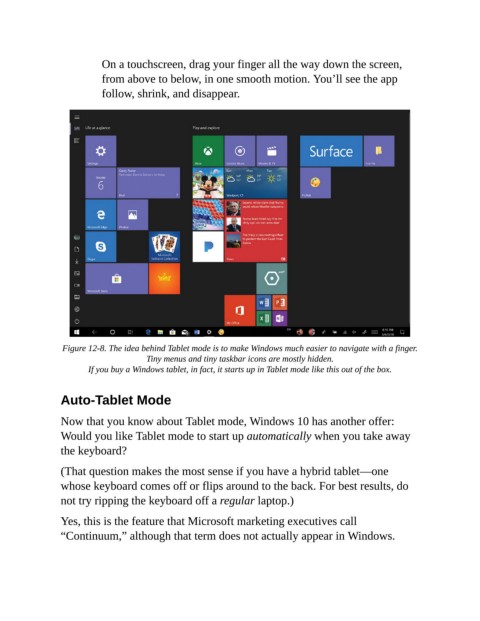
                 Figure 12-8. The idea behind Tablet mode is to make Windows much easier to navigate with a finger.
                                      Tiny menus and tiny taskbar icons are mostly hidden.

                       If you buy a Windows tablet, in fact, it starts up in Tablet mode like this out of the box.


                Auto-Tablet Mode

                Now that you know about Tablet mode, Windows 10 has another offer:
                Would you like Tablet mode to start up automatically when you take away

                the keyboard?

                (That question makes the most sense if you have a hybrid tablet—one
                whose keyboard comes off or flips around to the back. For best results, do

                not try ripping the keyboard off a regular laptop.)

                Yes, this is the feature that Microsoft marketing executives call
                “Continuum,” although that term does not actually appear in Windows.

