


Page 751 - Windows 10 May 2019 Update The Missing Manual: The Book That Should Have Been in the Box
P. 751
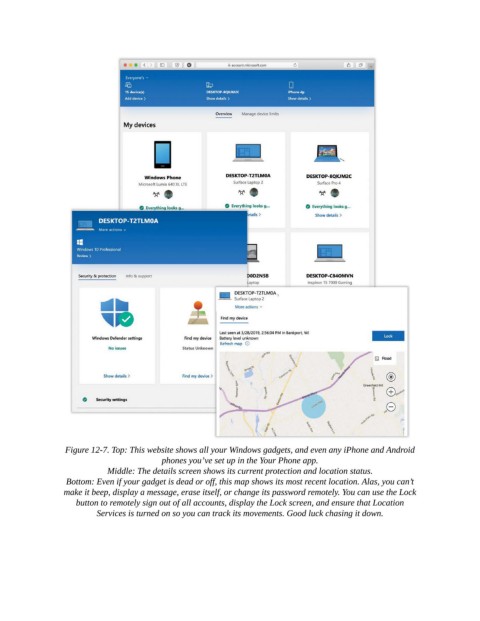
Figure 12-7. Top: This website shows all your Windows gadgets, and even any iPhone and Android
                                          phones you’ve set up in the Your Phone app.

                            Middle: The details screen shows its current protection and location status.

                  Bottom: Even if your gadget is dead or off, this map shows its most recent location. Alas, you can’t
                 make it beep, display a message, erase itself, or change its password remotely. You can use the Lock
                    button to remotely sign out of all accounts, display the Lock screen, and ensure that Location
                          Services is turned on so you can track its movements. Good luck chasing it down.

