


Page 813 - Windows 10 May 2019 Update The Missing Manual: The Book That Should Have Been in the Box
P. 813
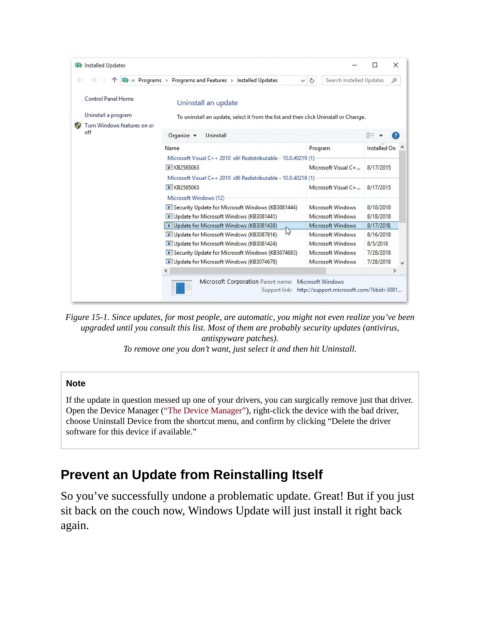
Figure 15-1. Since updates, for most people, are automatic, you might not even realize you’ve been
                      upgraded until you consult this list. Most of them are probably security updates (antivirus,
                                                    antispyware patches).

                                To remove one you don’t want, just select it and then hit Uninstall.


                  Note

                  If the update in question messed up one of your drivers, you can surgically remove just that driver.
                  Open the Device Manager (“The Device Manager”), right-click the device with the bad driver,
                  choose Uninstall Device from the shortcut menu, and confirm by clicking “Delete the driver
                  software for this device if available.”


                Prevent an Update from Reinstalling Itself


                So you’ve successfully undone a problematic update. Great! But if you just
                sit back on the couch now, Windows Update will just install it right back

                again.

