


Page 441 - Elementary_Linear_Algebra_with_Applications_Anton__9_edition
P. 441
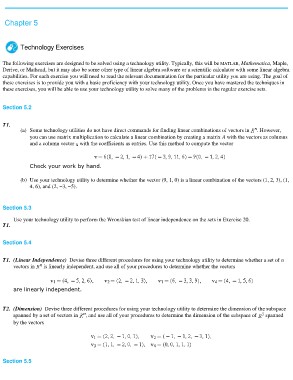
Chapter 5

        Technology Exercises

The following exercises are designed to be solved using a technology utility. Typically, this will be MATLAB, Mathematica, Maple,
Derive, or Mathcad, but it may also be some other type of linear algebra software or a scientific calculator with some linear algebra
capabilities. For each exercise you will need to read the relevant documentation for the particular utility you are using. The goal of
these exercises is to provide you with a basic proficiency with your technology utility. Once you have mastered the techniques in
these exercises, you will be able to use your technology utility to solve many of the problems in the regular exercise sets.

Section 5.2

T1.
         (a) Some technology utilities do not have direct commands for finding linear combinations of vectors in . However,
               you can use matrix multiplication to calculate a linear combination by creating a matrix A with the vectors as columns
               and a column vector with the coefficients as entries. Use this method to compute the vector

               Check your work by hand.
         (b) Use your technology utility to determine whether the vector (9, 1, 0) is a linear combination of the vectors (1, 2, 3), (1,

               4, 6), and (2, −3, −5).

Section 5.3
     Use your technology utility to perform the Wronskian test of linear independence on the sets in Exercise 20.

T1.

Section 5.4

T1. (Linear Independence) Devise three different procedures for using your technology utility to determine whether a set of n
     vectors in is linearly independent, and use all of your procedures to determine whether the vectors

     are linearly independent.

T2. (Dimension) Devise three different procedures for using your technology utility to determine the dimension of the subspace
     spanned by a set of vectors in , and use all of your procedures to determine the dimension of the subspace of spanned
     by the vectors

Section 5.5

