


Page 21 - Computing Book 5
P. 21
Working with Media                                                                   Class 5


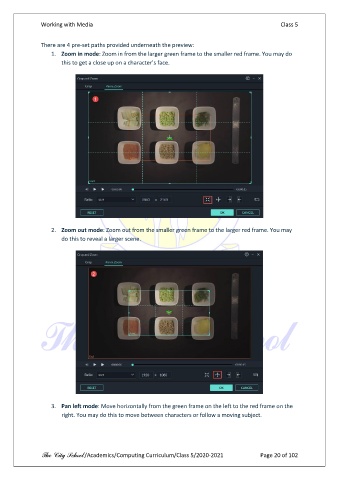
               There are 4 pre-set paths provided underneath the preview:
                   1.  Zoom in mode: Zoom in from the larger green frame to the smaller red frame. You may do
                       this to get a close up on a character’s face.


                   2.  Zoom out mode: Zoom out from the smaller green frame to the larger red frame. You may
                       do this to reveal a larger scene.


                   3.  Pan left mode: Move horizontally from the green frame on the left to the red frame on the
                       right. You may do this to move between characters or follow a moving subject.


               The City School /Academics/Computing Curriculum/Class 5/2020-2021            Page 20 of 102

