


Page 36 - TCS ICT Book 4
P. 36
The City School  2021-2022


           Resizing Images

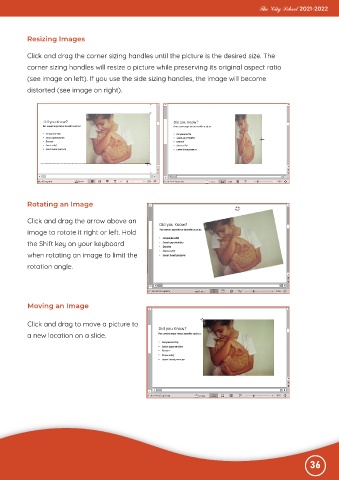
           Click and drag the corner sizing handles until the picture is the desired size. The

           corner sizing handles will resize a picture while preserving its original aspect ratio
           (see image on left). If you use the side sizing handles, the image will become
           distorted (see image on right).


           Rotating an Image

           Click and drag the arrow above an

           image to rotate it right or left. Hold
           the Shift key on your keyboard

           when rotating an image to limit the
           rotation angle.


           Moving an Image


           Click and drag to move a picture to
           a new location on a slide.


                                                                                                              36

