


Page 18 - Learn to Program - Basic-256
P. 18
Chapter 1: Meeting BASIC-256 – Say Hello.                                          Page 2


               Menu Bar:


               The menu bar contains several different drop down menus. These menus
               include: "File", "Edit", "View", "Run", and "About". The "File" menu allows you
               to save, reload saved programs, print and exit. The "Edit" menu allows you to
               cut, copy and paste text and images from the program, text output, and
               graphics output areas. The "View" menu will allow you to show or hide
               various parts of the BASIC-256 window. The "Run" menu will allow you to
               execute and debug your programs. The "About" menu option will display a
               pop-up dialog with information about BASIC-256 and the version you are
               using.


               Tool Bar:


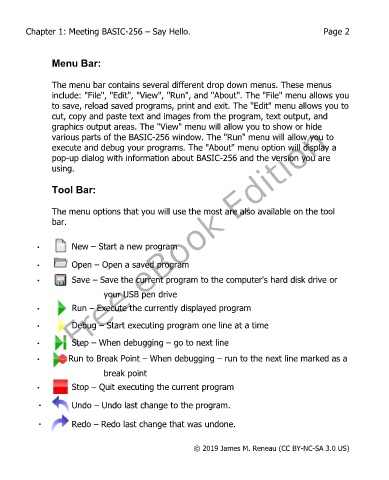
               The menu options that you will use the most are also available on the tool
               bar.


           •         New – Start a new program


           •         Open – Open a saved program
           •         Save – Save the current program to the computer's hard disk drive or
                              your USB pen drive

           •         Run – Execute the currently displayed program

           •         Debug – Start executing program one line at a time

           •         Step – When debugging – go to next line

           •        Run to Break Point – When debugging – run to the next line marked as a
                              break point

           •         Stop – Quit executing the current program

            •        Undo – Undo last change to the program.

            •        Redo – Redo last change that was undone.


                                                       © 2019 James M. Reneau (CC BY-NC-SA 3.0 US)

