


Page 22 - Learn to Program - Basic-256
P. 22
Chapter 1: Meeting BASIC-256 – Say Hello.                                          Page 6


                           "New" on the tool bar  - or - "File" then "New" on the menu

                           The "New" command tells BASIC-256 that you want to clear the
                           current statements from the program area and start a totally new
                           program. If you have not saved your program to the computer
                           (Chapter 2) then you will lose all changes you have made to the
                           program.


        Your Second Program – Saying Something Else


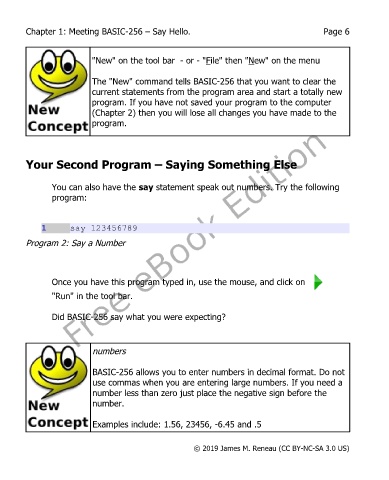
               You can also have the say statement speak out numbers. Try the following
               program:


             1      say 123456789
        Program 2: Say a Number


               Once you have this program typed in, use the mouse, and click on
               "Run" in the tool bar.


               Did BASIC-256 say what you were expecting?


                           numbers


                           BASIC-256 allows you to enter numbers in decimal format. Do not
                           use commas when you are entering large numbers. If you need a
                           number less than zero just place the negative sign before the
                           number.


                           Examples include: 1.56, 23456, -6.45 and .5


                                                       © 2019 James M. Reneau (CC BY-NC-SA 3.0 US)

