


Page 21 - Learn to Program - Basic-256
P. 21
Chapter 1: Meeting BASIC-256 – Say Hello.                                          Page 5


                                    "Run" on the tool bar  - or -  "Run" then "Run" on the menu


                               You must tell BASIC-256 when you want it to start executing a
                               program. It doesn't automatically know when you are done typing

                               your programming code in. You do this by clicking on the
                               "Run" icon on the tool bar or by clicking on "Run" from the menu
                               bar then selecting "Run" from the drop down menu.


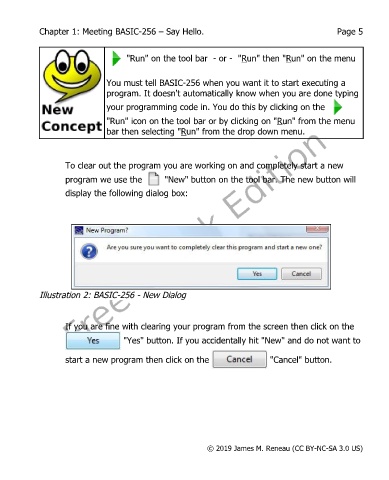
                   To clear out the program you are working on and completely start a new
                   program we use the          "New" button on the tool bar. The new button will
                   display the following dialog box:


            Illustration 2: BASIC-256 - New Dialog


                   If you are fine with clearing your program from the screen then click on the
                                    "Yes" button. If you accidentally hit "New" and do not want to

                   start a new program then click on the                    "Cancel" button.


                                                           © 2019 James M. Reneau (CC BY-NC-SA 3.0 US)

