


Page 193 - Scratch Programming Playground
P. 193
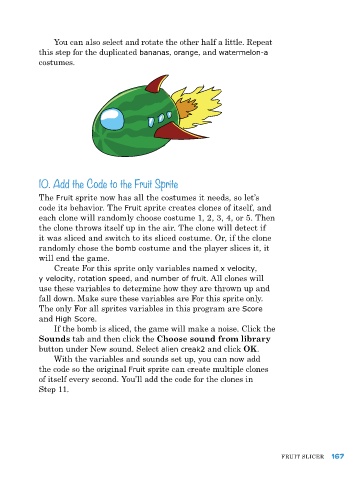
You can also select and rotate the other half a little. repeat
            this step for the duplicated bananas, orange, and watermelon-a
            costumes.


            10. Add the Code to the Fruit Sprite


            the Fruit sprite now has all the costumes it needs, so let’s
            code its behavior. the Fruit sprite creates clones of itself, and
            each clone will randomly choose costume 1, 2, 3, 4, or 5. then
            the clone throws itself up in the air. the clone will detect if
            it was sliced and switch to its sliced costume. Or, if the clone
            randomly chose the bomb costume and the player slices it, it
            will end the game.
                Create For this sprite only variables named x velocity,
            y velocity, rotation speed, and number of fruit. all clones will
            use these variables to determine how they are thrown up and
            fall down. Make sure these variables are For this sprite only.
            the only For all sprites variables in this program are Score
            and High Score.
                If the bomb is sliced, the game will make a noise. Click the
            Sounds tab and then click the Choose sound from library
            button under New sound. Select alien creak2 and click OK.
                With the variables and sounds set up, you can now add
            the code so the original Fruit sprite can create multiple clones
            of itself every second. You’ll add the code for the clones in
            Step 11.


                                                                               FruIt SlICer  167

