


Page 251 - Scratch Programming Playground
P. 251
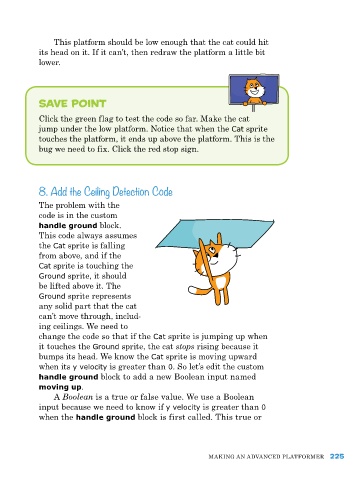
this platform should be low enough that the cat could hit
            its head on it. If it can’t, then redraw the platform a little bit
            lower.


            Save Point

            Click the green flag to test the code so far. Make the cat
            jump under the low platform. Notice that when the Cat sprite
            touches the platform, it ends up above the platform. this is the
            bug we need to fix. Click the red stop sign.


            8. Add the Ceiling Detection Code

            the problem with the
            code is in the custom
            handle ground block.
            this code always assumes
            the Cat sprite is falling
            from above, and if the
            Cat sprite is touching the
            Ground sprite, it should
            be lifted above it. the
            Ground sprite represents
            any solid part that the cat
            can’t move through, includ-
            ing ceilings. We need to
            change the code so that if the Cat sprite is jumping up when
            it touches the Ground sprite, the cat stops rising because it
            bumps its head. We know the Cat sprite is moving upward
            when its y velocity is greater than 0. So let’s edit the custom
            handle ground block to add a new Boolean input named
            moving up.
                a Boolean is a true or false value. We use a Boolean
            input because we need to know if y velocity is greater than 0
            when the handle ground block is first called. this true or


                                                           MakING aN advaNCed pLatforMer 225

